
Image Generation
Describe it. Then change just one detail.
Create original images from plain-language descriptions.
- Free to start - no card needed
- Your content is yours - commercially, forever
- Private by design - EU-hosted, GDPR
- Never used to train AI
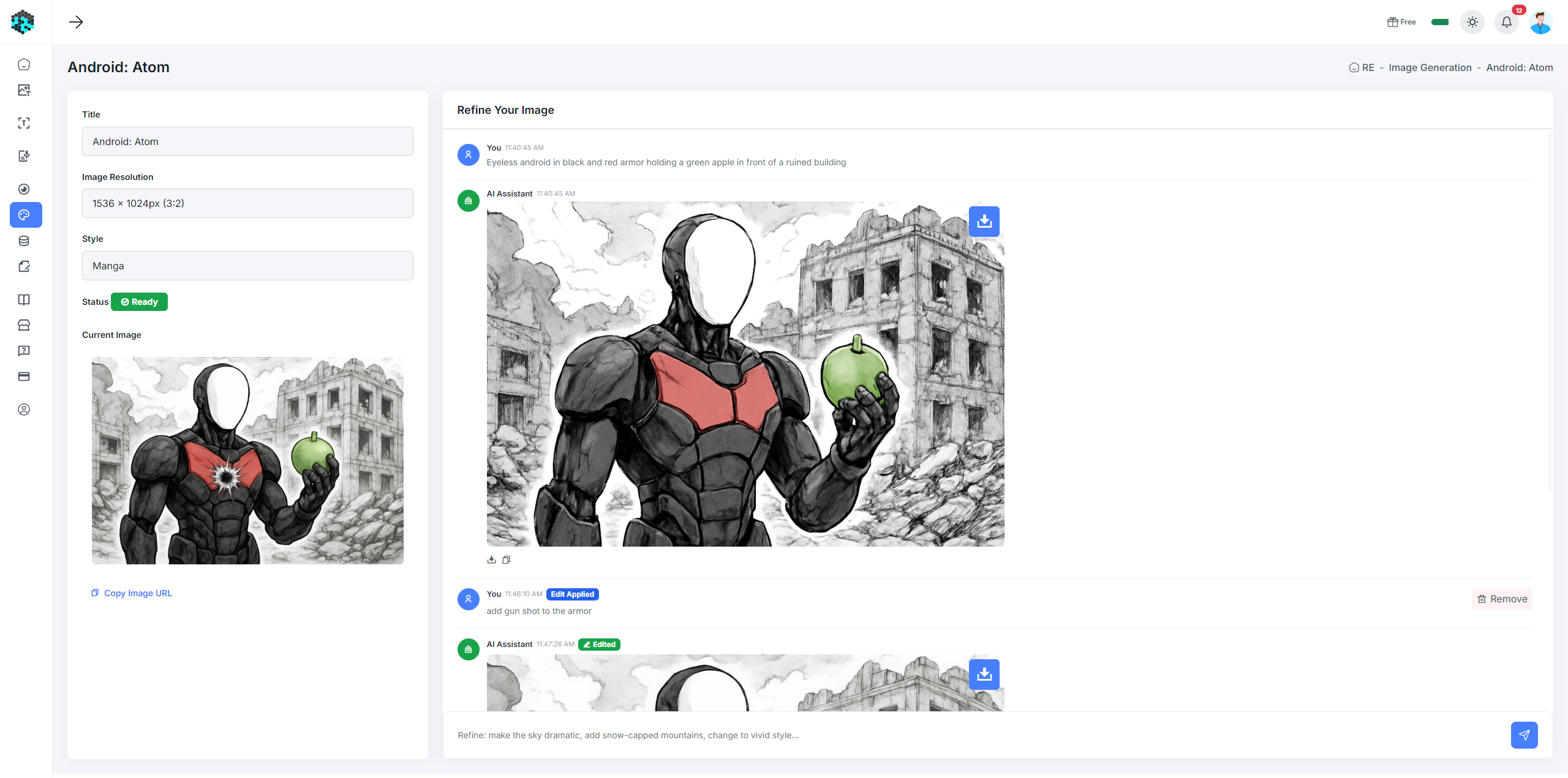
What is Image Generation?
Image Generation turns text prompts into high-quality images using state-of-the-art generative AI. Choose a style (natural, vivid, artistic) and an output dimension before generating. Every session preserves the history of prompts and results, so you can iterate and refine your ideas over multiple turns.
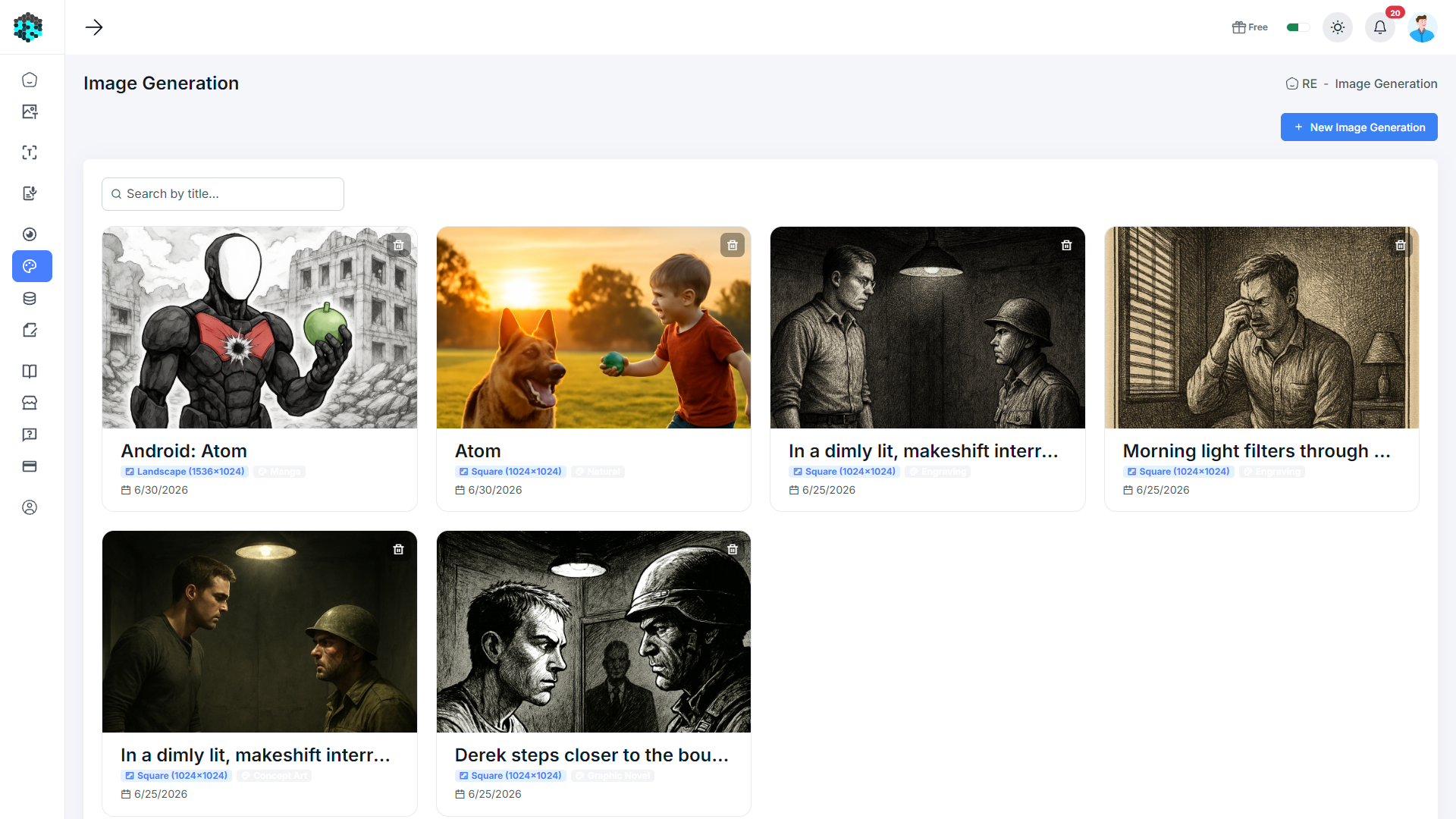
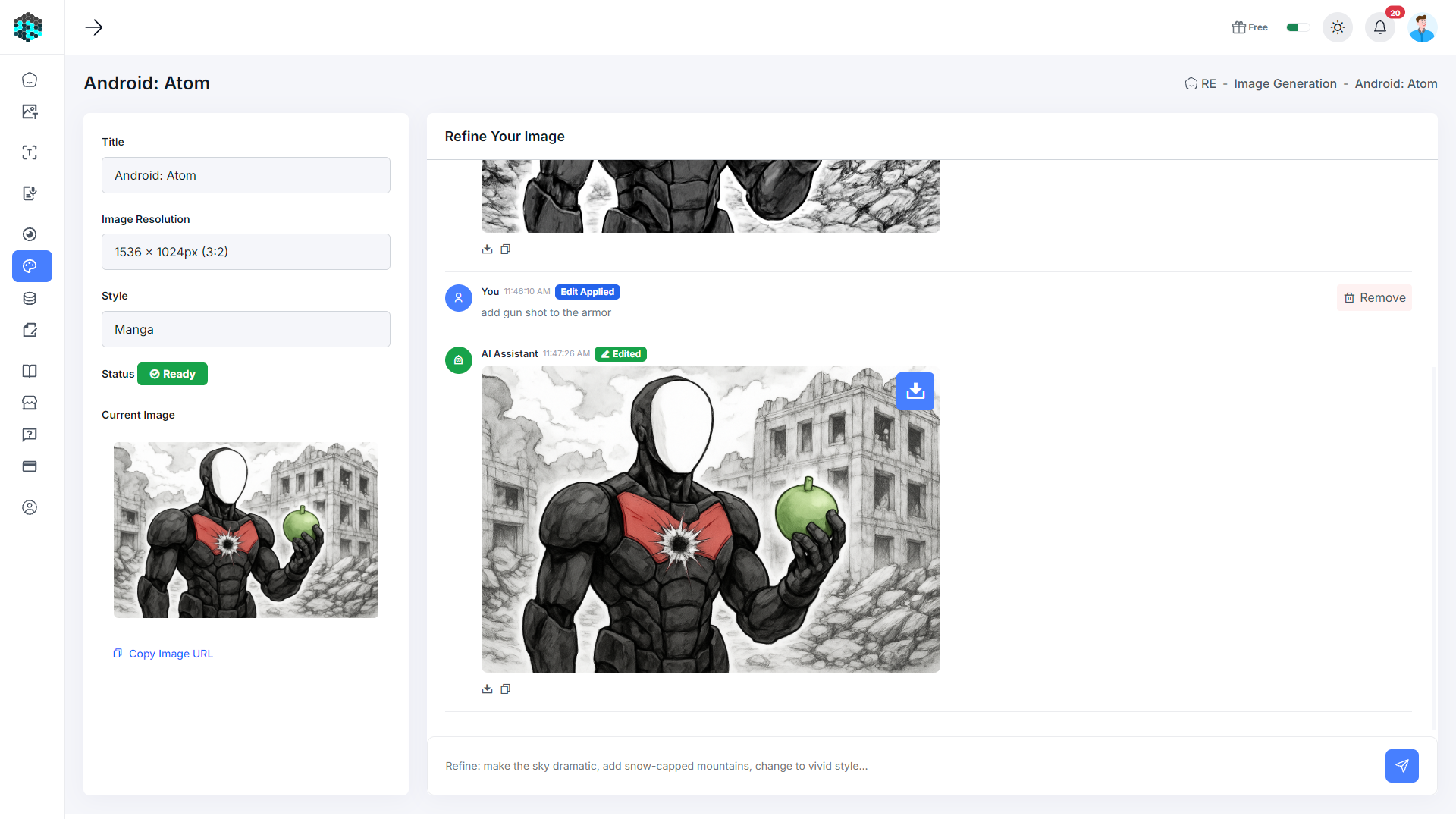
Key Capabilities
Generate images from any text description
Multiple styles: Natural, Vivid, Artistic, and more
Multiple output dimensions: square, landscape, portrait
Iterative refinement - refine results with follow-up prompts
Persistent session history - revisit previous generations
Download the result as a full-resolution image
How It Works
Start a generation
Create a new generation session.
Set style & dimensions
Choose output dimensions (e.g. 1024×1024) and a style preset.
Write your prompt
Describe the image you want and press Generate.
Refine
Add follow-up prompts like “make it more dramatic” or “change the background to a forest”.
Download
Save the full-resolution result with one click.