
Extract Conversation
Recordings become sources you can cite.
Transcribe meetings and interviews - transcripts synced to the audio, citable in your documents.
- Free to start - no card needed
- Your content is yours - commercially, forever
- Private by design - EU-hosted, GDPR
- Never used to train AI
What is Extract Conversation?
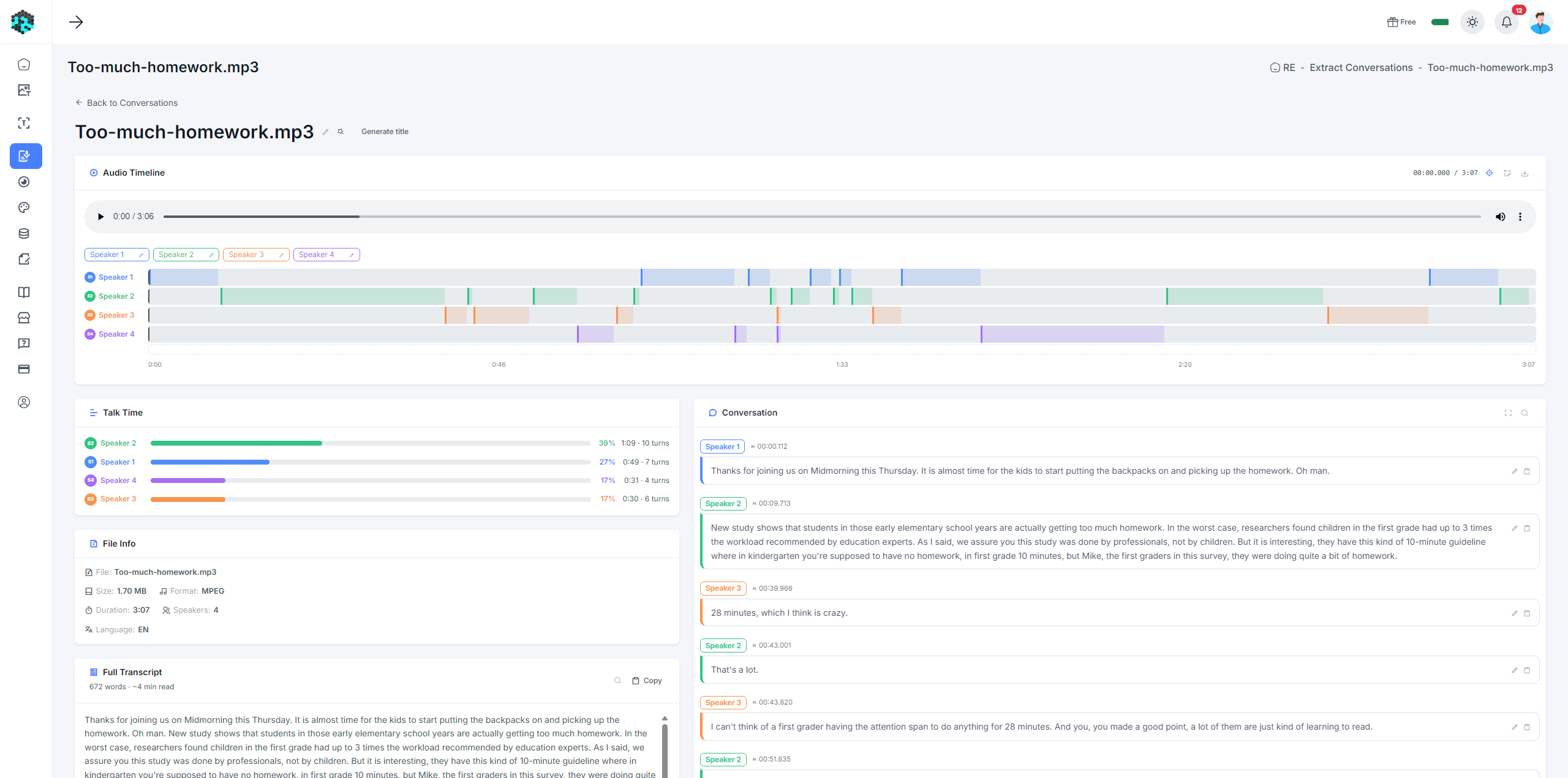
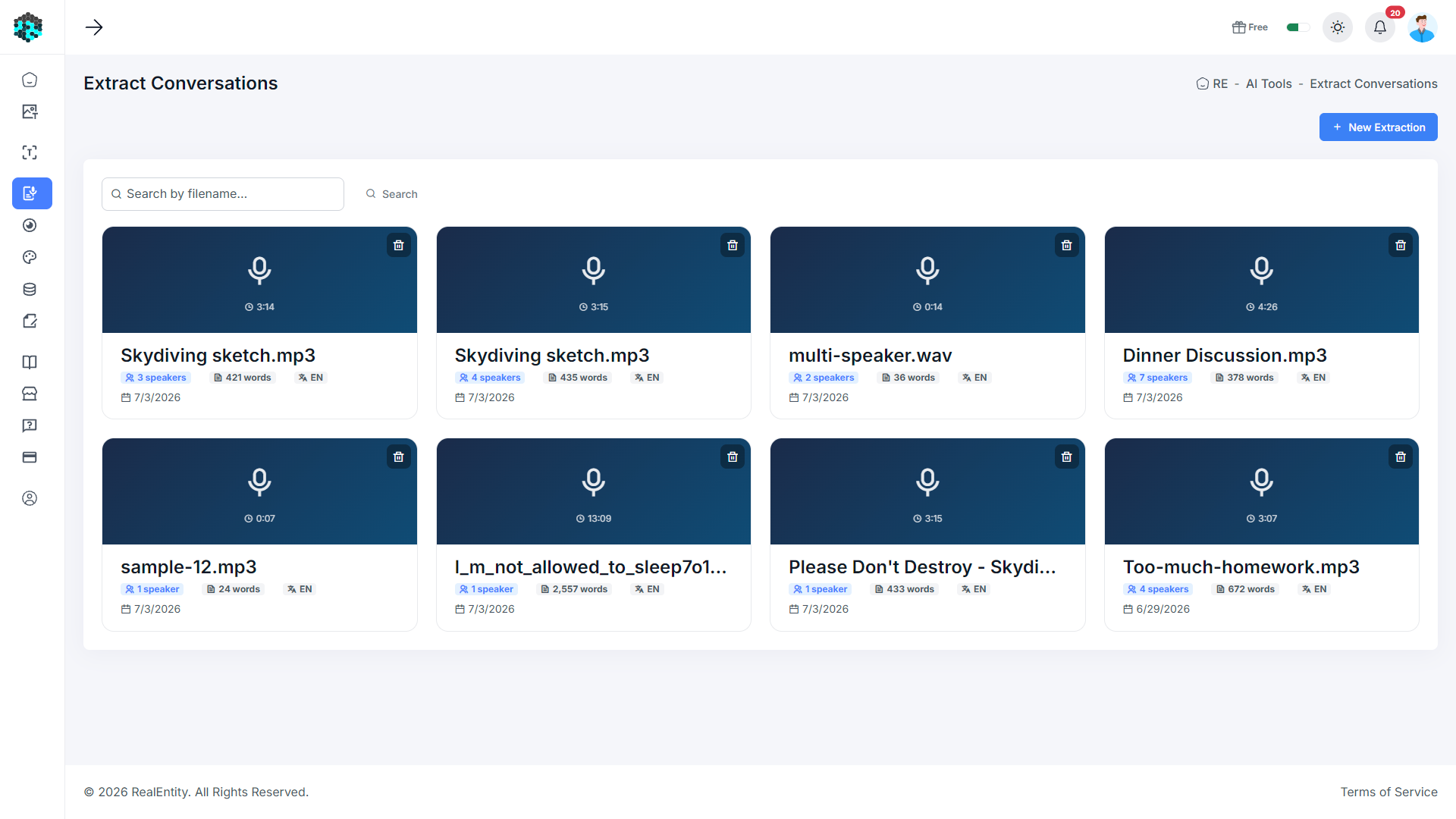
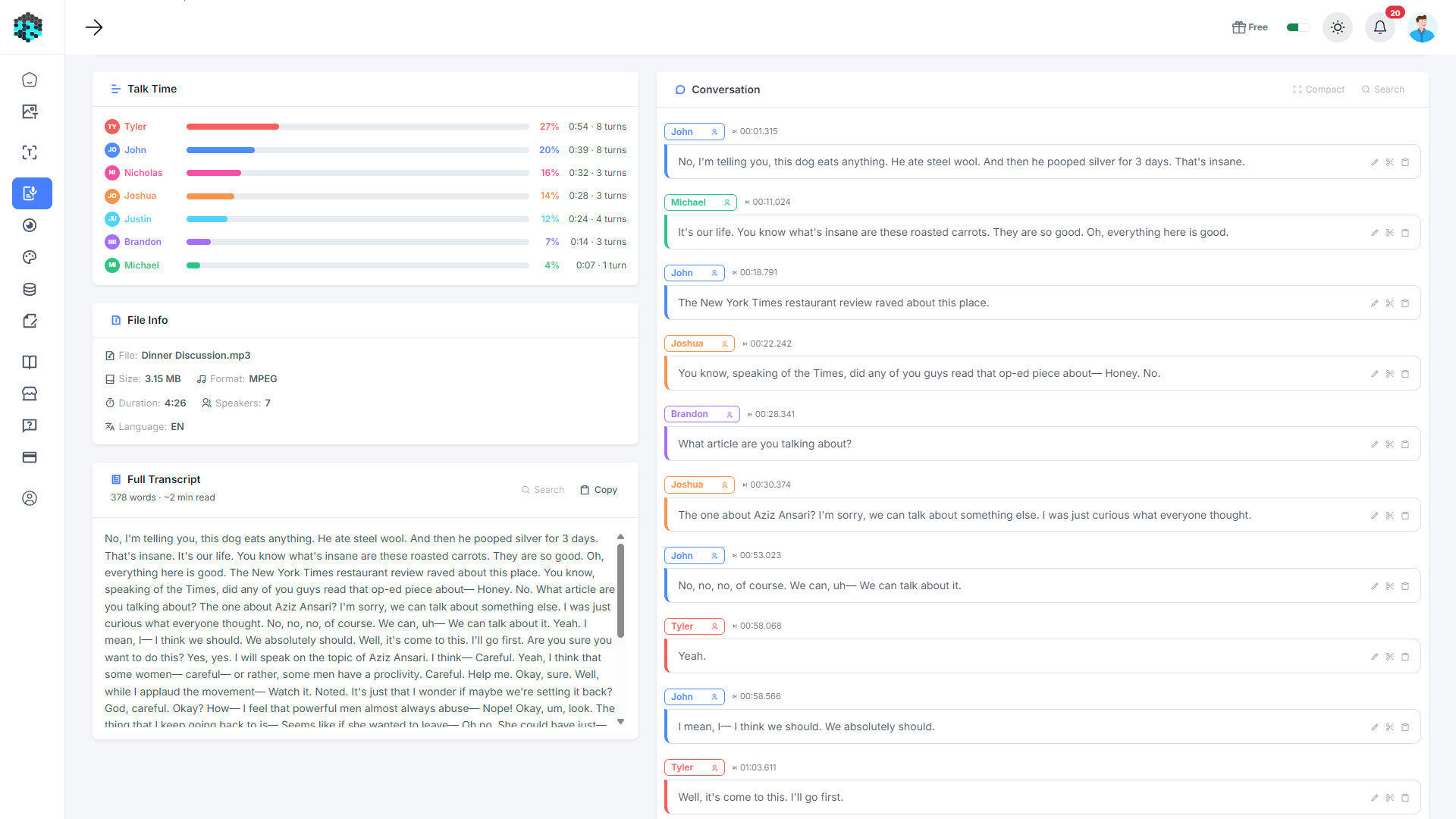
Extract Conversation transcribes audio files - meetings, interviews, lectures, podcasts - into full text transcripts with speaker detection. Each speaker is identified and colour-coded. You can edit speaker names, add timeline notes, search the transcript, and listen to any segment directly from the transcript view.
Key Capabilities
Transcribe MP3, WAV, M4A, and other audio formats
Automatic speaker diarization - identifies and separates speakers
Interactive audio player synced to the transcript
Click any line to jump to that moment in the audio
Add timestamped notes to key moments in the recording
Edit speaker names and merge duplicate speakers
Search within the transcript
Conversation view: see the dialogue formatted as a chat
How It Works
Upload audio
Upload your recording - a 1-hour file takes only a few minutes to process.
Review transcript
The full transcript appears with speaker labels and timestamps.
Identify speakers
Rename speakers (e.g. “Speaker 1” → “Alice”); colours help tell them apart.
Navigate & annotate
Click any line to jump to that moment, and flag important timestamps with notes.